
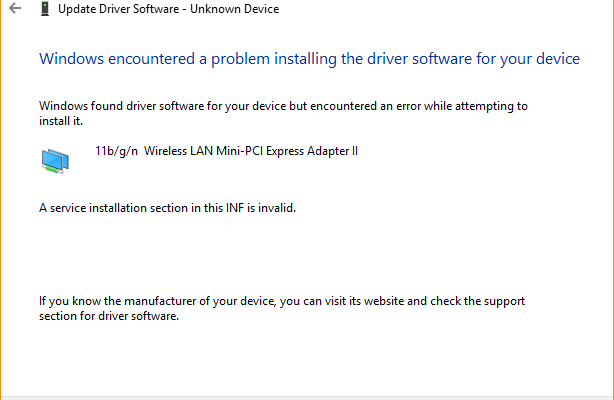
Installing WiFi drivers on Windows Server can be different from installing them on desktop versions of Windows. Server editions are not always prepared for consumer wireless adapters out of the box.
The error
A common message is: “A service installation section in this INF is invalid.” This usually means the driver package or required Windows components are not compatible with the server installation.
What to check
Verify the exact wireless adapter model, download the latest vendor driver and confirm support for Windows Server 2016. If the vendor only supports desktop Windows, manual installation may fail.
Possible fixes
Install the Wireless LAN Service feature, restart the server and then retry the driver installation. If it still fails, try a server-compatible adapter or vendor-provided enterprise driver.
Operational note
For servers, wired networking is strongly recommended whenever possible.